For Macs with Apple silicon. By invitation.
A video editor you can talk to.
Cut on the timeline yourself, or describe the change and an agent makes it on that same timeline, on your own Mac.
You ask, in the editor
Four stock clips, a music bed, a surf bed, and one request.Four clips of a coast at dawn from Pexels, a music bed and a bed of surf. You type into the agent panel; the agent is your own Claude Code, limited to the editor’s tools, and its first call brings the files in from your disk.
bayUnsaved changesExportAgentNewCut these four clips into a calm twenty-second piece to coast-bed.m4a, on the beat, with dissolves between them. Match the exposure and warm them up, give the still shots some slow movement, put a title on the opening, and lay surf under all of it, with the real waves heard on the walking shot. Check a frame before you export.
Bringing the four clips, the music and the surf in first.
import_media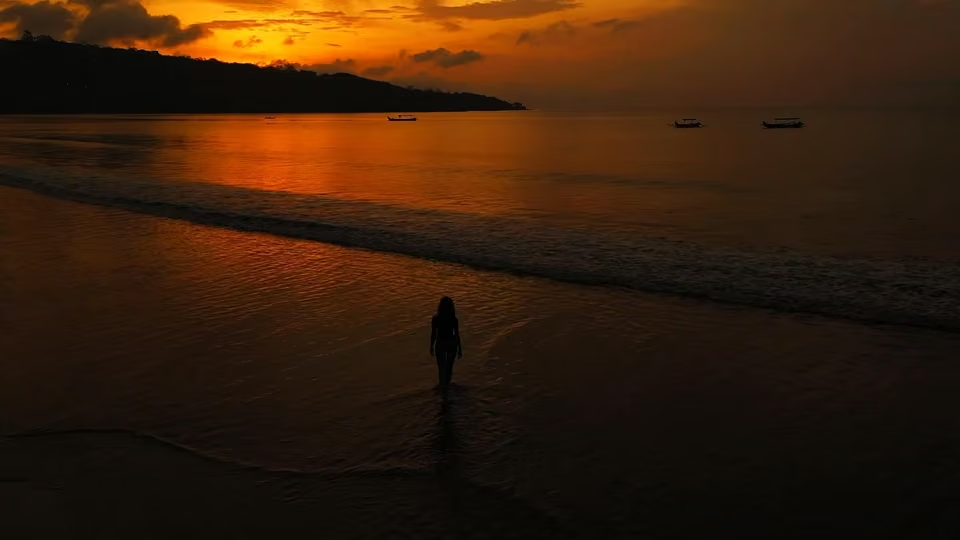
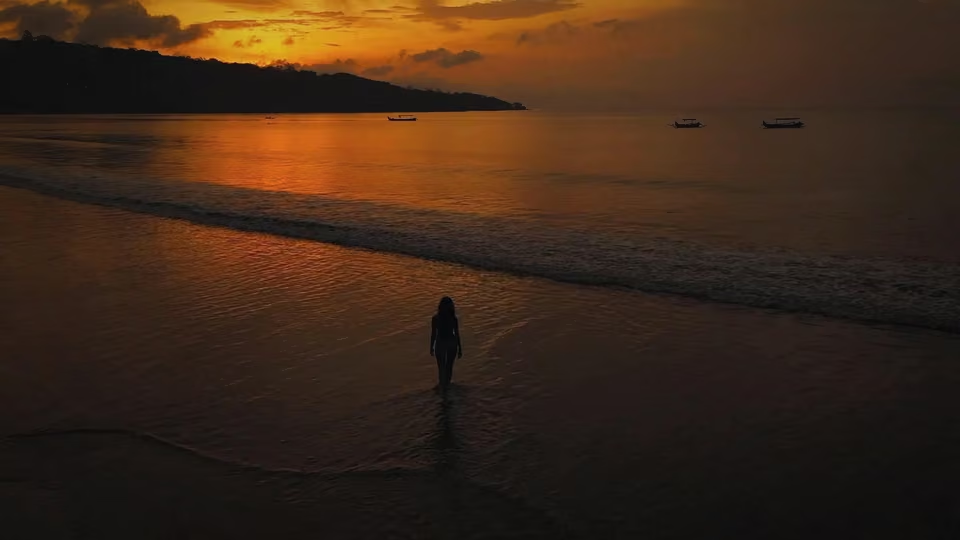
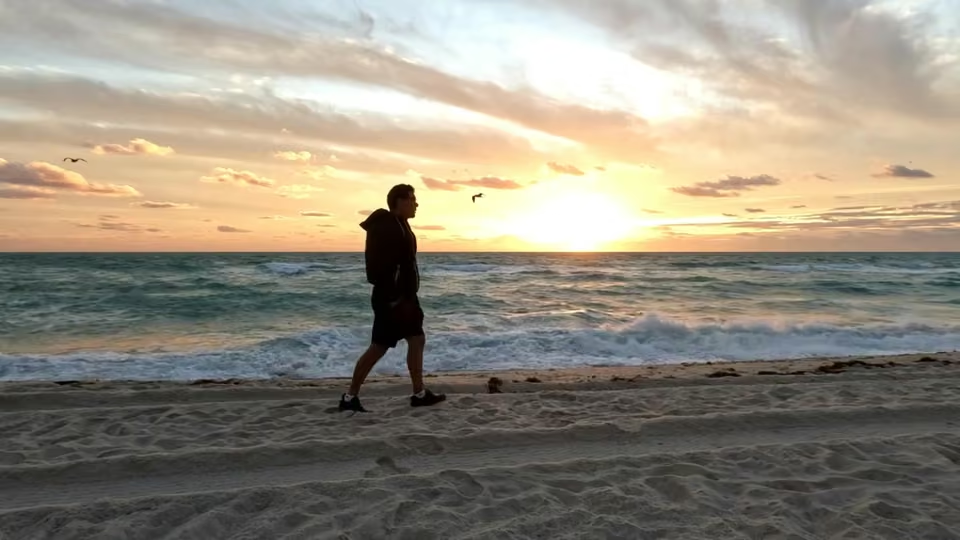
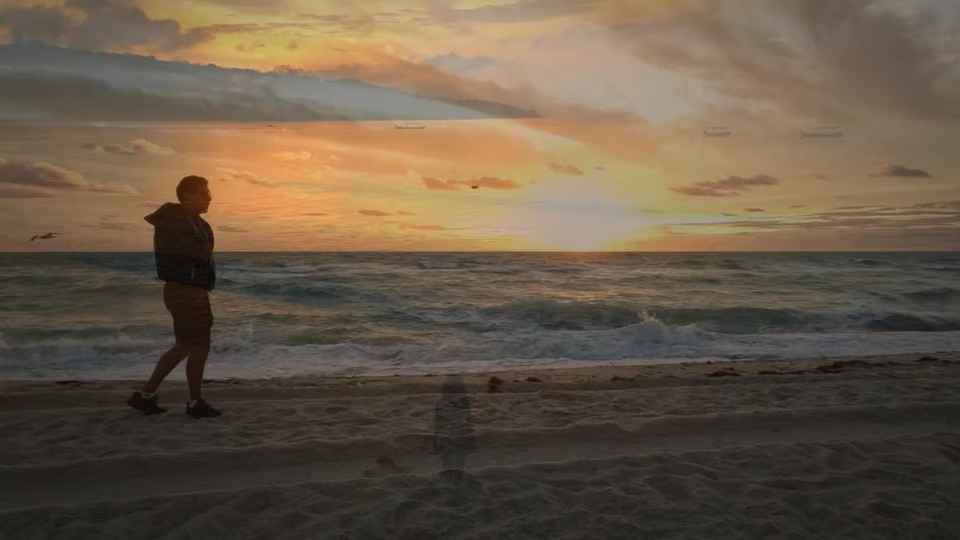
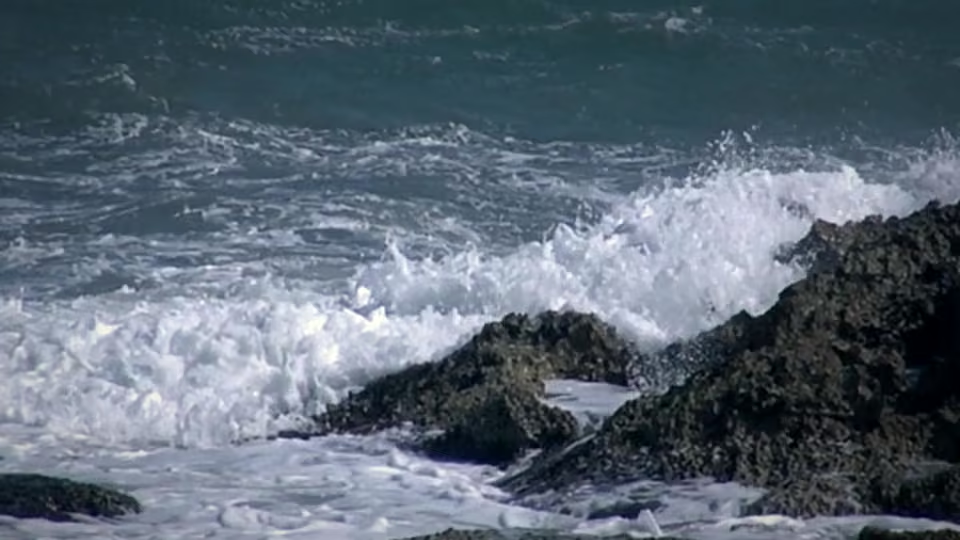
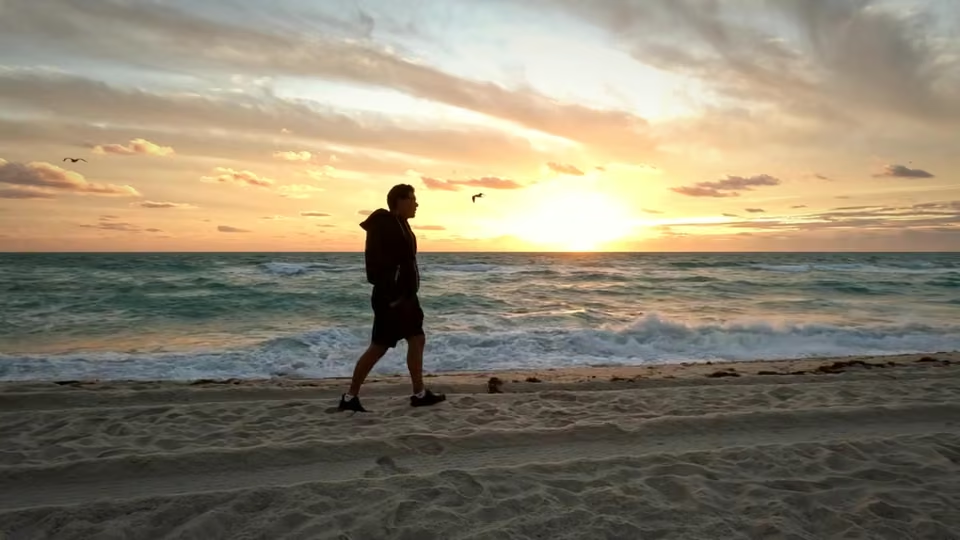
Nothing on the timeline yet
Import media and click a clip to place it at the playhead.
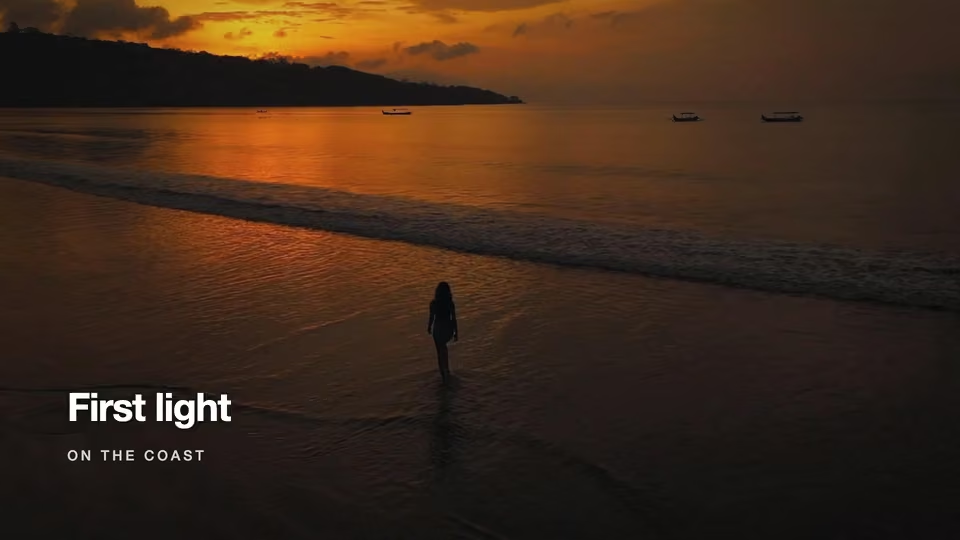
0:00:00 / 0:00:00Timeline0:000:040:080:120:16V1A1Add trackfps 30duration 0:00:00canvas 1920×1080media 6selected 0Fig. 1 The window is drawn; the edit, its frames and its tool calls are real. What actually runs today.The window is a re-creation of Bay, drawn from its own theme and layout source. What happens in it is a real edit made in the current app: the pictures in the preview are frames it rendered at each step, and the tool calls are the ones it ran, in order, with paths shortened and 36 export polls shown as two. The agent’s sentences were written for the session. The result: First light, 1920×1080 at 30fps, 18.9s. Footage from Pexels; see the credits. What actually runs today.
It finds the beat and cuts to it
detect_beats finds 100 bpm, and each clip is trimmed to eight beats.The music goes down first and detect_beats reads its grid: 100 bpm, a beat every 18 frames. Each clip lands at full length and is trimmed to eight beats, so every cut falls on a detected beat.
bayUnsaved changesExportAgentNewBringing the four clips, the music and the surf in first.
import_mediaMusic first, so there is a grid to cut to.
place_assetdetect_beats100 bpm: a beat every 18 frames, the first at frame 27. One clip every eight beats, cutting at 135, 279 and 423 and ending on the beat at 567.
place_assetedit_itemplace_assetedit_itemplace_assetedit_itemplace_assetedit_itemedit_itemset_playhead0:02:00 / 0:18:27Timeline0:000:040:080:120:16V1shore.mp4walk.mp4rocks.mp4topview.mp4A1coast-bed.m4aAdd trackfps 30duration 0:18:27canvas 1920×1080media 6selected 1It matches the exposure and the colour
A grade per clip: the dark opening lifted, the bright aerial brought down.The dark opening and the bright aerial need to meet. Each clip gets its own grade, the fields the inspector’s Grade section edits, drawn on the GPU the same in the preview and the export.
bayUnsaved changesExportAgentNew100 bpm: a beat every 18 frames, the first at frame 27. One clip every eight beats, cutting at 135, 279 and 423 and ending on the beat at 567.
place_assetedit_itemplace_assetedit_itemplace_assetedit_itemplace_assetedit_itemedit_itemset_playheadThe opening is far darker than the aerial at the end. Lifting the shore’s shadows and mids, bringing the aerial down a little, and warming the cool shots so the four sit together.
edit_itemedit_itemedit_itemedit_item0:02:00 / 0:18:27Timeline0:000:040:080:120:16V1shore.mp4walk.mp4rocks.mp4topview.mp4A1coast-bed.m4aAdd trackfps 30duration 0:18:27canvas 1920×1080media 6selected 1Movement, a title, and dissolves
Keyframed pushes and a drift, a .brf title, and a dissolve on every cut.Keyframes give the still shots slow movement; the diamonds on a clip are its keys. The title is a .brf module, motion graphics written as code. Then a one-beat dissolve on each cut, centred on the beat.
bayUnsaved changesExportAgentNewThe opening is far darker than the aerial at the end. Lifting the shore’s shadows and mids, bringing the aerial down a little, and warming the cool shots so the four sit together.
edit_itemedit_itemedit_itemedit_itemSlow movement on the still shots: a push on the shore and on the rocks, and a drift across the aerial. Then the title over the opening.
edit_itemedit_itemedit_itemwrite_brfset_playheadDissolves on the three cuts, one beat long, centred on the beat.
add_transitionadd_transitionadd_transitionset_playhead0:04:15 / 0:18:27Timeline0:000:040:080:120:16V1shore.mp4walk.mp4rocks.mp4topview.mp4A1coast-bed.m4aV2TitleAdd trackfps 30duration 0:18:27canvas 1920×1080media 7selected 1It looks, and fixes what it sees
preview_frame showed the rocks still blue, so it warmed them and looked again.preview_frame renders a frame and hands it back as an image. The title read clear; the rocks still sat blue beside the warm shots, so the agent warmed them and looked again.
bayUnsaved changesExportAgentNewwrite_brfset_playheadDissolves on the three cuts, one beat long, centred on the beat.
add_transitionadd_transitionadd_transitionset_playheadChecking the title against the brightest part of the sky before going further.
preview_frameThe title reads clear of the sky. Now the rocks, mid-push.
preview_frameThe rocks still read blue beside the two warm shots before them. Warming them further and taking a little more saturation out of the water.
edit_itemset_playheadpreview_frameThat sits with the walking shot now.
0:13:10 / 0:18:27Timeline0:000:040:080:120:16V1shore.mp4walk.mp4rocks.mp4topview.mp4A1coast-bed.m4aV2TitleAdd trackfps 30duration 0:18:27canvas 1920×1080media 7selected 1Sound, a file, and one Revert
Surf under everything, real waves on the walk, a mastered MP4, one Revert.The walking shot’s real waves move to their own track, start half a second early, and the music and surf duck under them. The export is mastered to −14 LUFS, and the turn ends with one Revert for all of it.
bayUnsaved changesExportAgentNewSurf under the whole piece, low. The walking shot has the only real waves, so its sound goes on its own track, starts half a second before the picture, and the music and the surf both duck under it.
place_assetedit_itemdetach_audioedit_itemedit_itemedit_itemset_playheaddetach_audio warned that the walking shot’s waves now cut hard where the dissolves used to cross-fade them. The clips either side are silent, so a fade does the same job: nine frames out, into the next dissolve.
edit_itemExporting to your Movies folder, mastered to streaming loudness.
export_timelinetrack_exporttrack_export{ "jobId": "081ef89c…" }
{ "stage": "done", "percent": 100, "outputPath": "…/plate-coast2.mp4", "message": "Mastered to −14.1 LUFS (target −14.0), true peak −1.4 dBTP (ceiling −1.0), measured on the encoded file after 2 passes.", … }
Done. 18.9 seconds at 1920 × 1080, written to ~/Movies/bay/plate-coast2.mp4.
14 changesRevert- Imported “shore.mp4”
- Imported “walk.mp4”
- Imported “rocks.mp4”
- Imported “topview.mp4”
Show all 14
0:06:20 / 0:18:27Timeline0:000:040:080:120:16V1shore.mp4walk.mp4rocks.mp4topview.mp4A1coast-bed.m4aV2TitleA2surf.m4aA3walk.mp4Add trackfps 30duration 0:18:27canvas 1920×1080media 7selected 1
What went in, and what came out. Drag the line across the frame.


Footage from Pexels, used under the Pexels licence: Mikhail Nilov, Karma Rayshar, Elia Clerici and Eduardo Cano Photo Co. The music and the surf were made for this page.
What the edit above doesn’t show. Four things about how it is built.
⌘Z
One timeline, two ways in
The timeline you drag clips around on is the one an agent edits. Its changes go through the same code as yours and land on the same undo stack, one step per edit, so there is never a second copy of the project to drift apart from what you see.
Revert
Every change comes with a diff
Inside the editor, the agent makes the edit and shows you what it changed, in plain words, with a Revert button that puts the project back in one click. Rather see a plan first? Turn on Ask before editing: then nothing is written until you approve one option, exactly that runs, once, and anything else is refused with the reason.
preview_frame
It looks at its own work
Clip positions do not say whether a caption covers a face. The agent renders the frame it changed and looks at it before telling you it is done, and says so when a picture is incomplete rather than judging an edit from it.
On disk
Your work stays on the Mac
Projects, media and renders stay on your disk. The editor loads no remote fonts, images or scripts and sends no telemetry or analytics. It does go online for a few things you can name: the agent you chose to start talks to its model, a speech model downloads when you ask for one, and the app checks with Google’s sign-in service that your access still stands. Offline it keeps working, and asks you to sign in again only after 14 days without a successful check.
What it will not do
Where it actually is
Bay is in development: real, running, and not yet ready for a stranger. Long clips still play back as a low-quality proxy, the media panel lists demo tiles instead of your imports, and most of the timeline craft is unwritten. All of it is listed rather than left for you to find.
What actually runsThe engine is the product, and the timeline is one way of reaching it.
Download for Mac. You need access to sign in.
A notarized disk image for Macs with Apple silicon. Bay is by invitation: it opens to a sign-in, and works once your Google account has access. Request access, or ask someone who already uses it to refer you from inside the app.